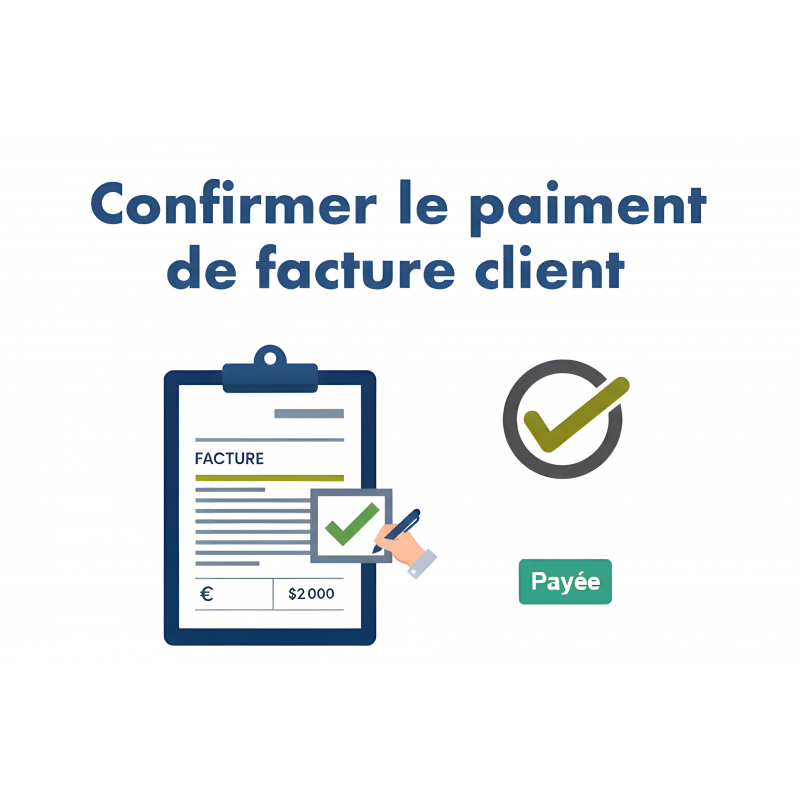
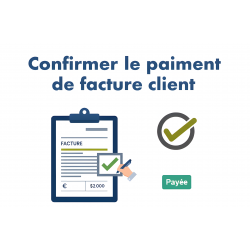
The “Confirm customer invoice payment” module for Dolibarr automates updating the status of customer invoices as soon as the amount has been fully paid.
The “Confirm customer invoice payment” module for Dolibarr automates updating the status of customer invoices as soon as the amount has been fully paid. From the invoice list, you can confirm the payment of several already settled invoices in bulk (TakePOS, manual payments, bank imports, etc.) without opening each invoice one by one.
Save a significant amount of time at cash closing or month-end, ensure consistency between recorded payments and the status of invoices, and reduce human errors (invoices still marked as “Unpaid” even though they are fully settled).
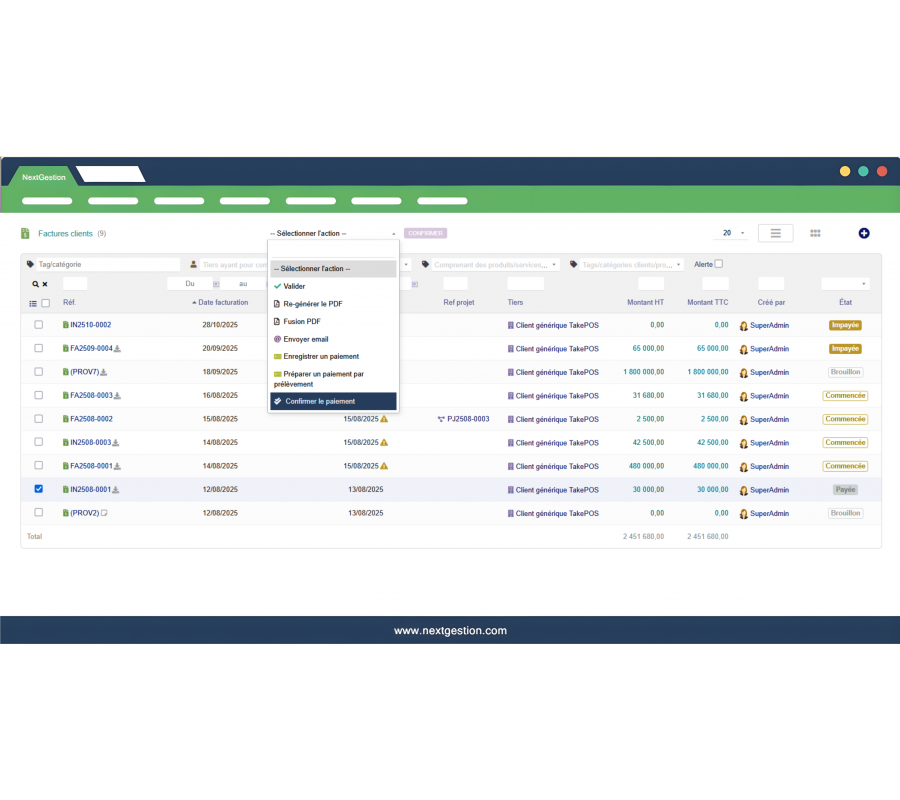
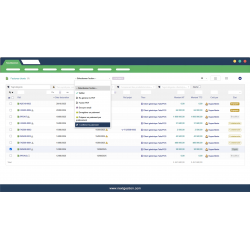
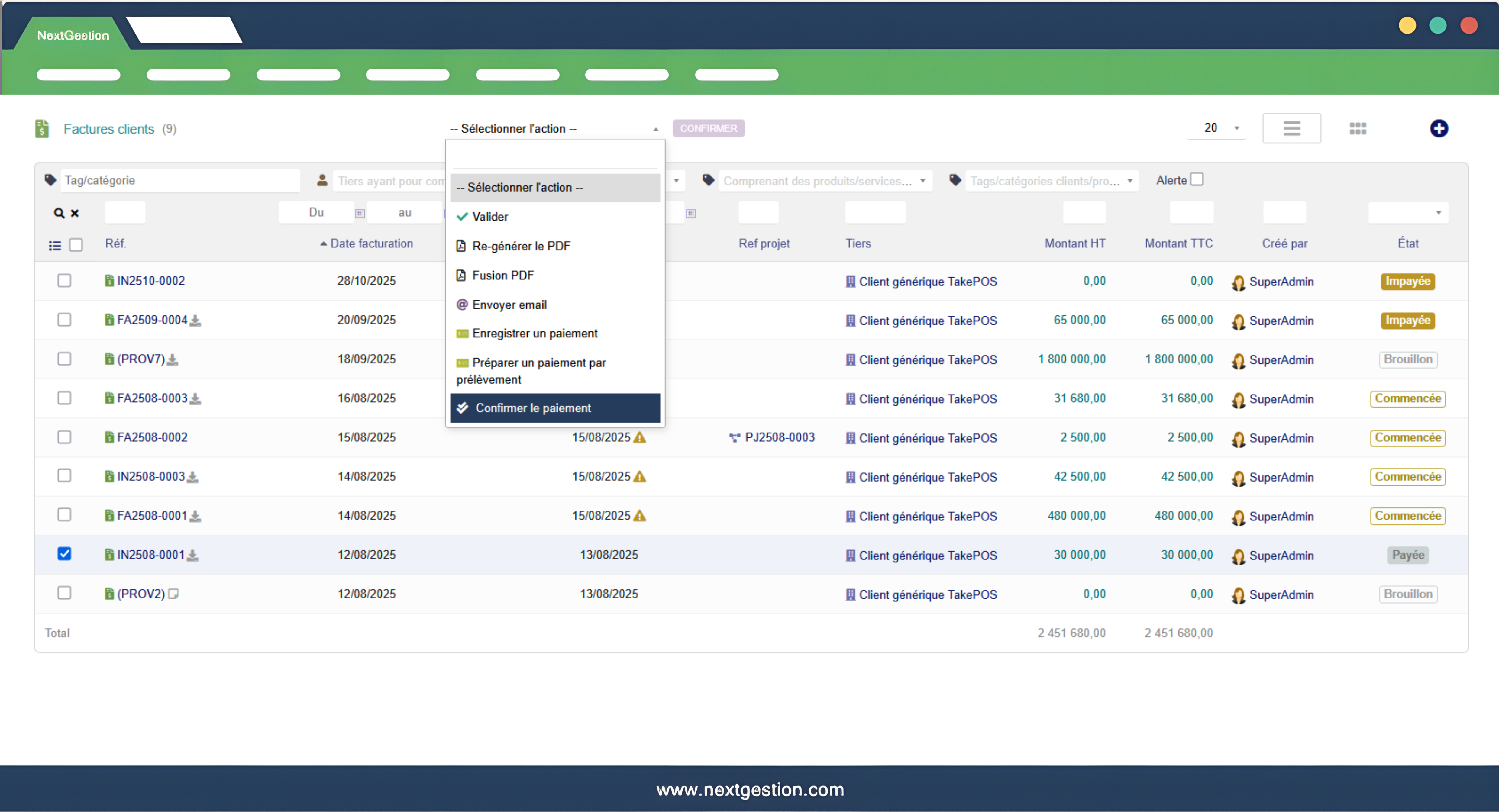
In the Customer invoices list, the module adds a bulk action “Confirm payment”. The user selects one or more invoices, chooses the action, then the module checks for each invoice the total incl. tax and the total of the recorded payments. If the remaining amount due is 0.00, the invoice is automatically switched to “Paid” status. Invoices that are only partially paid or have no payment keep their original status.
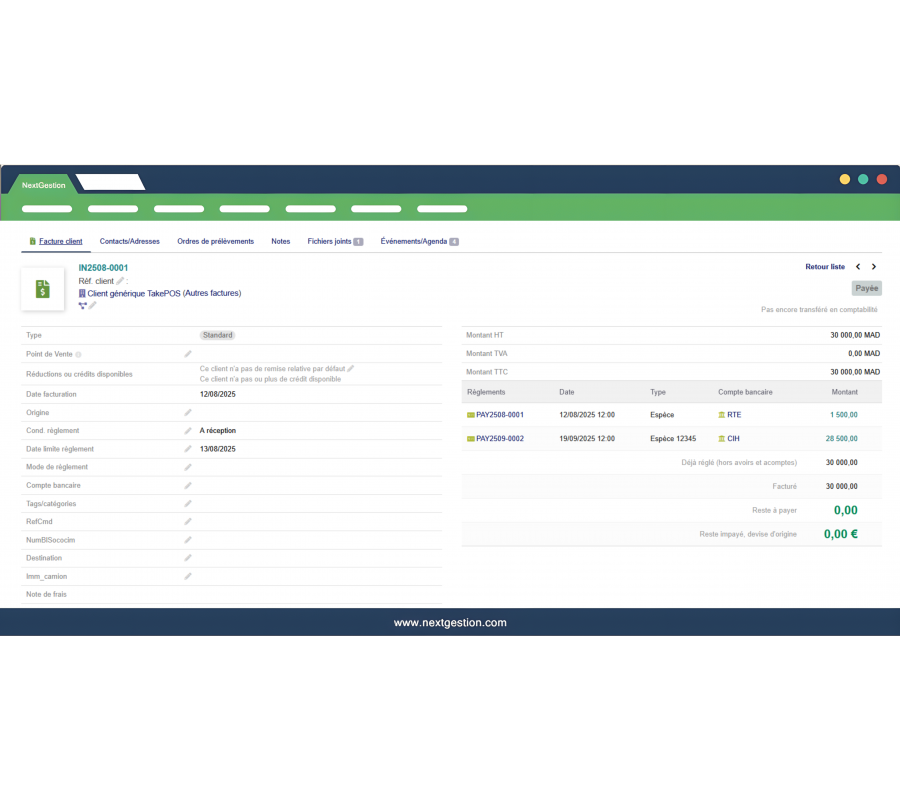
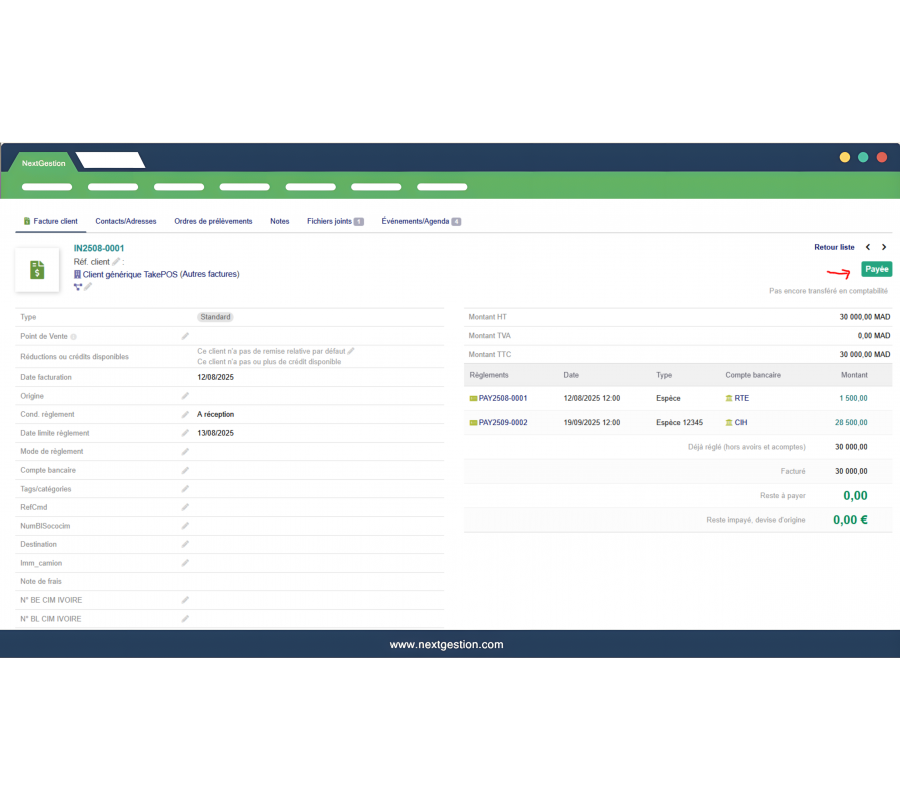
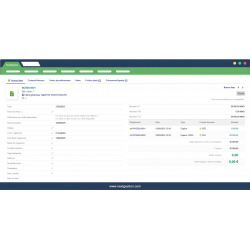
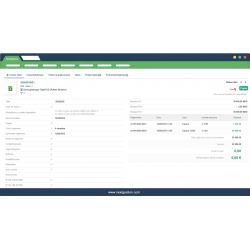
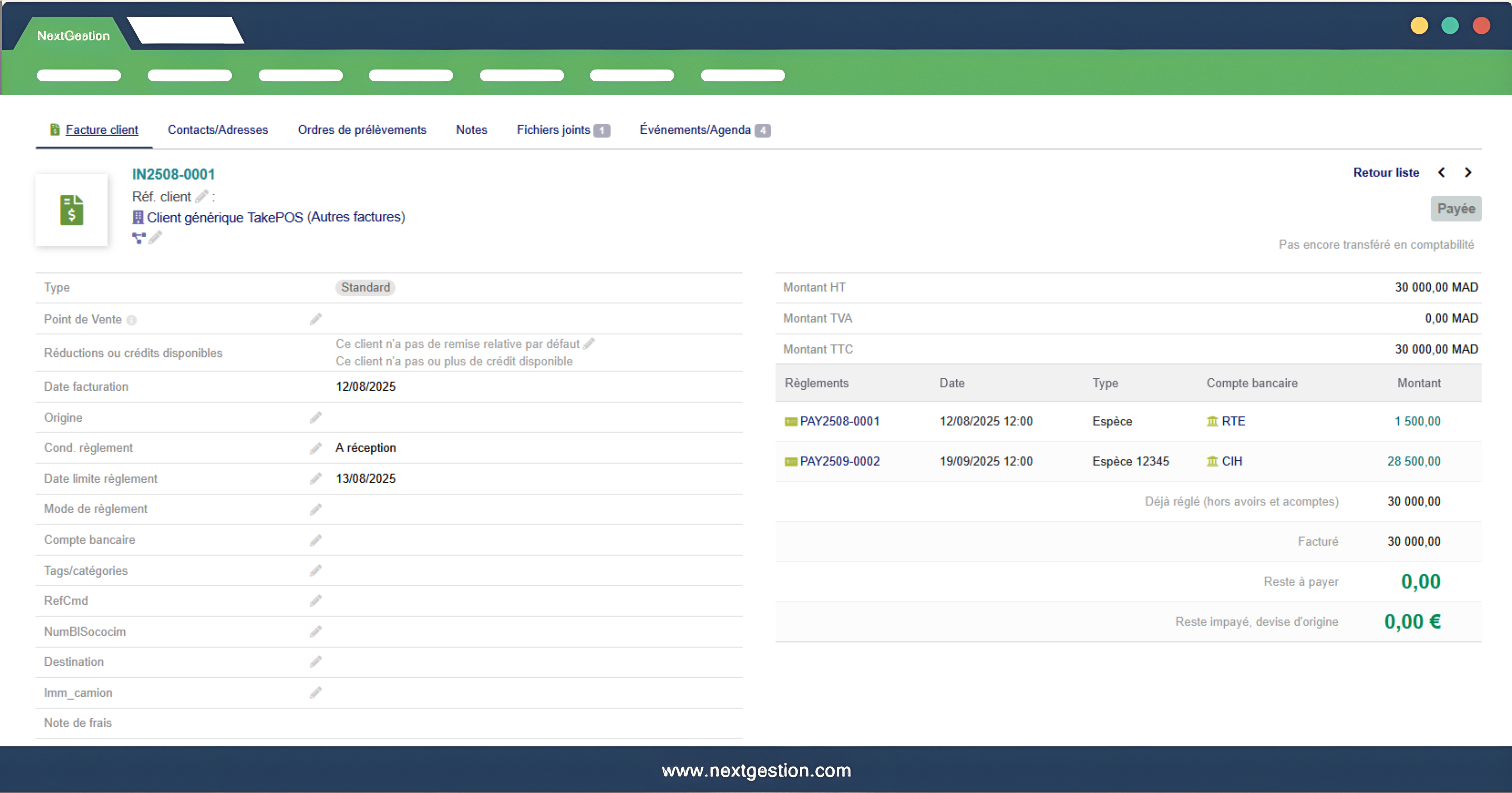
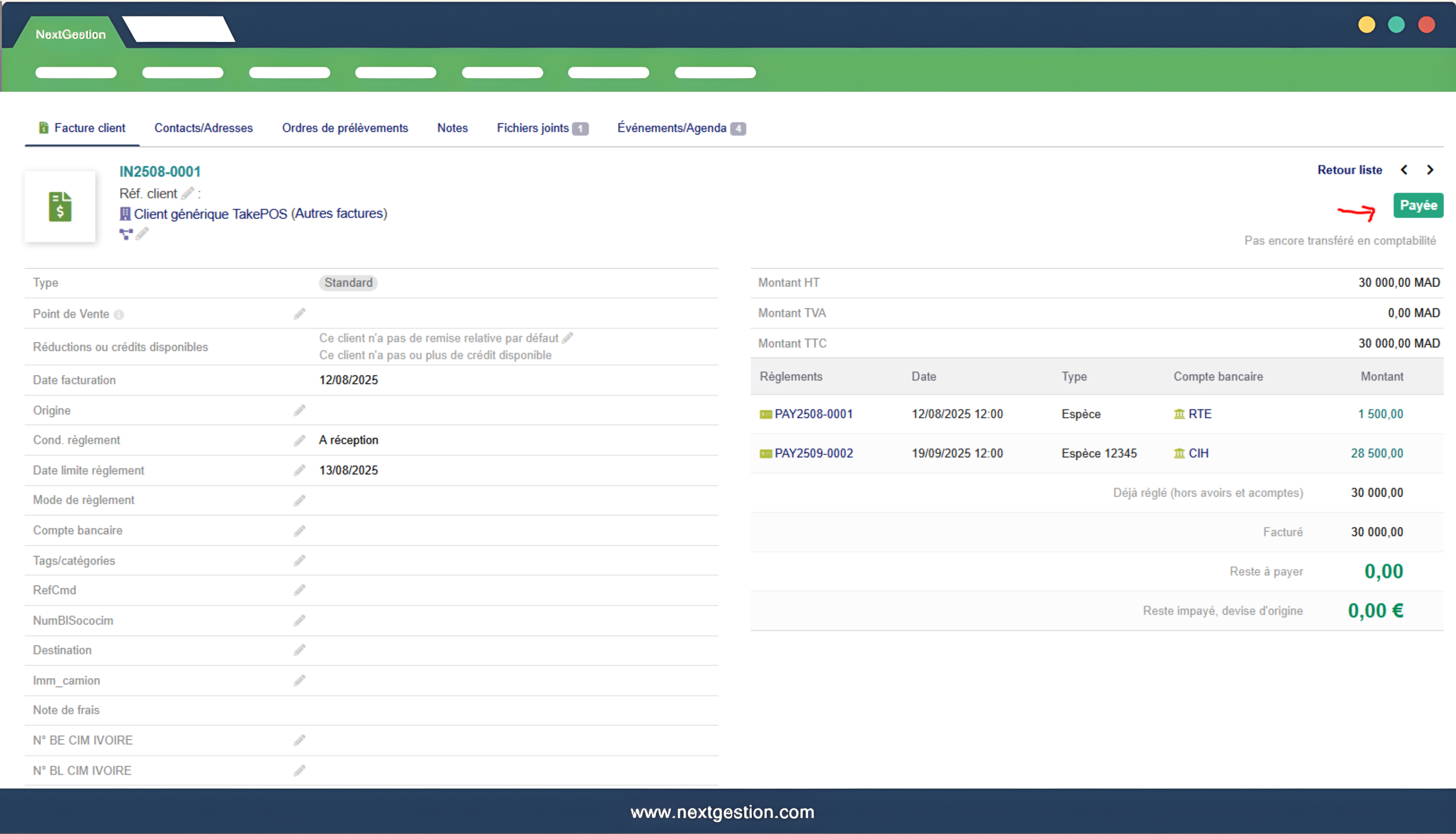
On the invoice card, the status becomes green “Paid”, the fields Amount remaining to be paid and Unpaid balance in original currency are set to 0.00, and the payment history (references, dates, payment methods, bank accounts, amounts) remains unchanged. The module does not create any new payment: it simply validates the payment based on the existing payment records.
With TakePOS, a large number of cash invoices are created and paid every day: at the end of the shift, one click lets you confirm all settled invoices. After entering deposits and then balances, you can quickly regularize the status of the relevant invoices. Before exporting to accounting, you make sure all fully paid invoices are correctly marked as “Paid”.
Increased productivity thanks to bulk processing of many invoices, more reliable data for dunning and dashboards, fewer forgotten status updates, and easy use thanks to direct integration into Dolibarr’s bulk actions menu.
Bulk “Confirm payment” action on the customer invoice list, automatic check of the remaining amount due, switch to Paid status only if the invoice is fully settled, preservation of full payment history, and compatibility with invoices coming from TakePOS or any other payment entry method in Dolibarr.
Sergio Montalbán
Muy satisfecho con el módulo.
Daniel Whitman
This module makes payment confirmation clear and reliable.
Caroline Montel
Grâce à ce module, les paiements sont validés de manière maîtrisée et traçable.
Pascal Giroux
Simple à utiliser mais très efficace.
Kevin
Essential for financial accuracy.
Alessandro Monti
Modulo molto utile per confermare i pagamenti.