
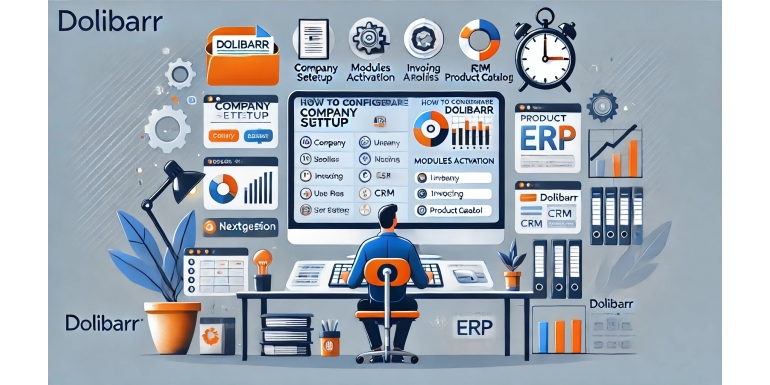
When it comes to Enterprise Resource Planning (ERP) and Customer Relationship Management (CRM) software for small businesses, Dolibarr stands out as a powerful and flexible open-source solution. Its modularity, intuitive interface, and ease of use make it ideal for entrepreneurs and small teams that need structure without complexity.
Dolibarr Setup Wizard Explained: A Visual Guide for First-Time Users
Dolibarr 0 Comments views (10561)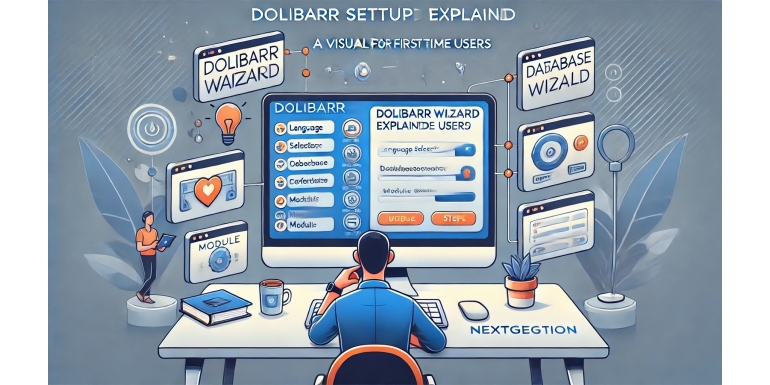
Setting up your own ERP/CRM system may sound like a job for developers or IT professionals, but Dolibarr changes that narrative. With its intuitive Setup Wizard, even non-technical users can deploy a working ERP system within minutes. This guide is for first-time users looking to understand and get the most out of the Dolibarr Setup Wizard. We'll walk through every screen, option, and step so that you can feel confident navigating the initial set
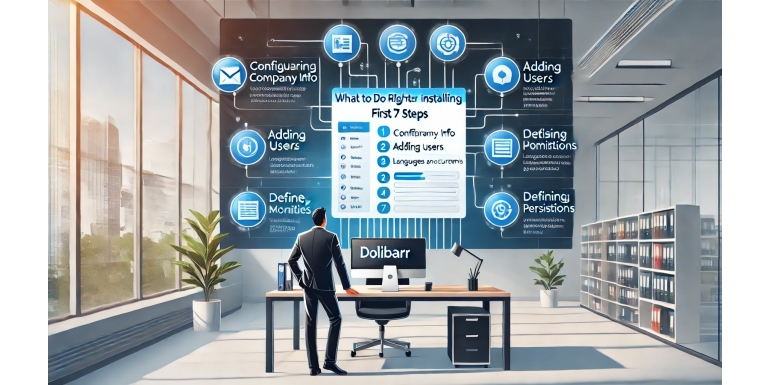
Installing Dolibarr ERP & CRM is the first milestone in organizing and streamlining your business processes—from customer management and invoicing to inventory control and project tracking. But the moment the installer completes and you log into your new Dolibarr instance, you might find yourself wondering, "Now what?"

Dolibarr ERP & CRM is a powerful, open-source tool that enables businesses of all sizes to manage everything from accounting to inventory, customer relationships, HR, and more. However, as simple and user-friendly as it is, the installation process can trip up even seasoned users if the fundamentals are overlooked. A clean and well-executed installation sets the foundation for smooth usage, future scalability, and minimal downtime.

Managing a business—big or small—requires juggling multiple operations: inventory, billing, accounting, customer relations, projects, and human resources, just to name a few. Traditionally, only larger enterprises could afford enterprise resource planning (ERP) systems to consolidate these functions. But today, open-source tools like Dolibarr are leveling the playing field. This detailed guide will show you how to set up your own ERP system using
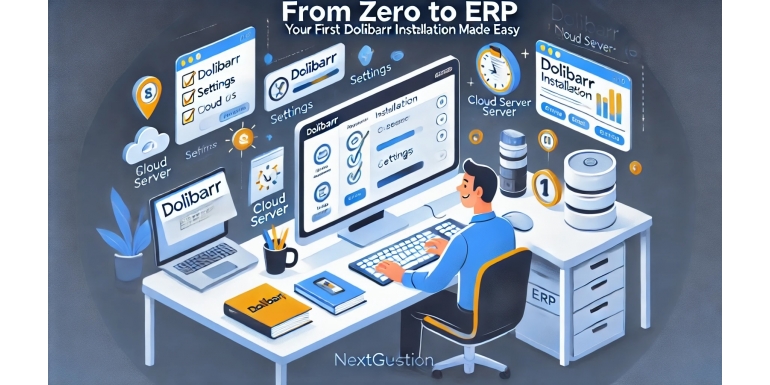
Setting up an ERP system can seem like a daunting task, especially if you’re new to the world of enterprise software. But thanks to Dolibarr, a powerful yet user-friendly open-source ERP and CRM solution, you can get your system up and running quickly without breaking a sweat or your bank account. In this guide, we’ll walk you step-by-step through your first Dolibarr installation. Whether you're a solo entrepreneur, run a small business, or manag