
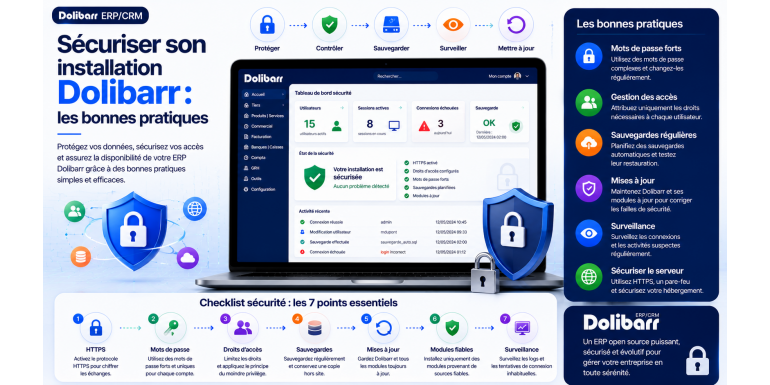
Have you just installed Dolibarr, or has it been running for months without you really giving it a second thought? In either case, one question deserves your attention: is your ERP truly secure? Here, in no unnecessary jargon, is everything you need to put in place to sleep soundly.
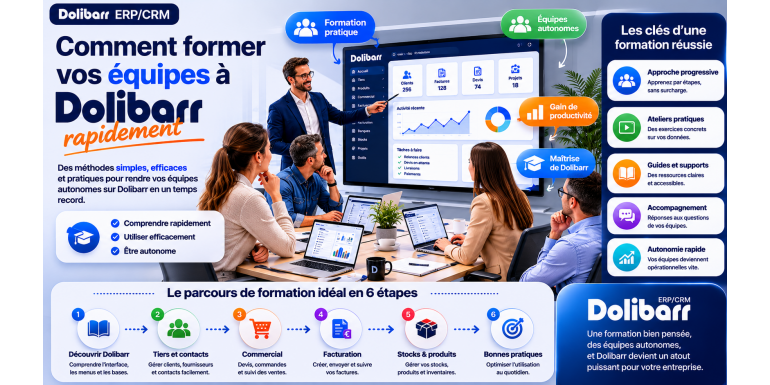
You've decided to adopt Dolibarr ERP & CRM to manage your business: excellent decision! But once the software is installed and configured, a major challenge awaits: training your teams to use it effectively . This step, often underestimated by managers, is nevertheless crucial to the success of your ERP project. Without proper training, even the best software in the world will be misused, or even rejected by employees. Conversely, a well-trained
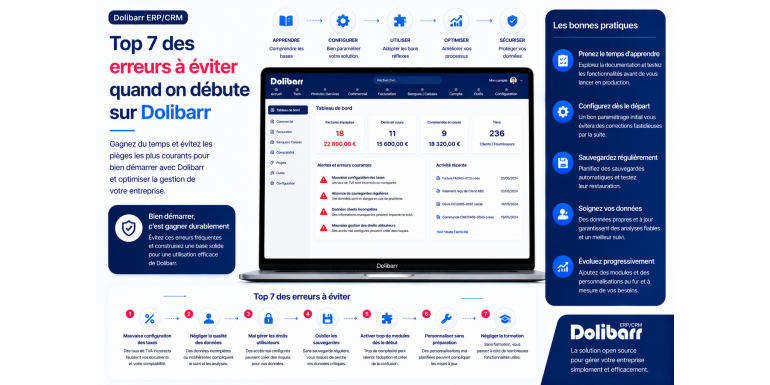
Have you just installed Dolibarr ERP & CRM and are eager to start using it to manage your business? Excellent decision! Dolibarr is one of the best open-source business management software solutions on the market, capable of effectively replacing paid solutions costing hundreds of euros per month. However, like any powerful and comprehensive software, Dolibarr requires careful handling. Certain mistakes made at the start can hinder you for months
Dolibarr and e-commerce: integrate WooCommerce, PrestaShop or Shopify
Wiki Dolibarr 0 Comments views (1485)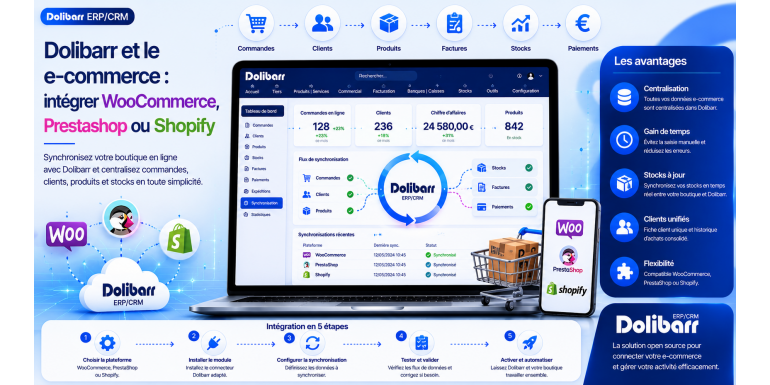
E -commerce is experiencing explosive growth in France and worldwide. According to FEVAD, the French e-commerce market is projected to exceed €160 billion annually by 2025, with sustained double-digit growth. Whether you're an established e-tailer or just launching your business, managing your online activity presents numerous challenges: order tracking, real-time inventory management, invoicing, accounting, customer relations, and marketing. Wit
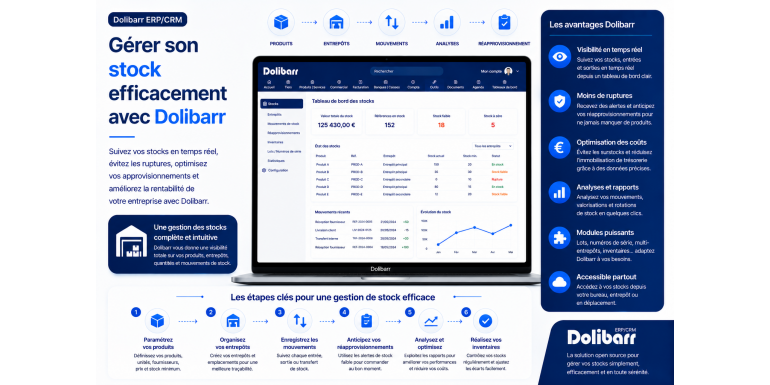
Inventory management is one of the major challenges for any business that handles physical products: retailers, e-commerce businesses, distributors, tradespeople, restaurateurs, and manufacturers. Poorly managed inventory can quickly become a nightmare: stockouts leading to lost sales, overstocking tying up cash flow, inaccurate inventory counts distorting accounting, expired goods ending up in the trash, and undetected theft. According to severa
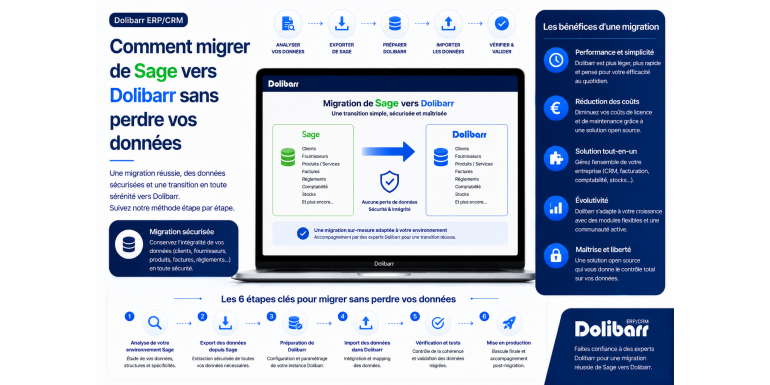
Have you been using Sage for several years to manage your business, but the subscription costs are becoming too burdensome, the features no longer meet your needs, or you simply want to gain more flexibility and independence? Migrating to Dolibarr ERP & CRM , a free and modular open-source solution, is an excellent alternative that is attracting a growing number of French companies. However, the prospect of migrating several years' worth of accou
Showing 6 to 12 of 600 (2 Pages)